
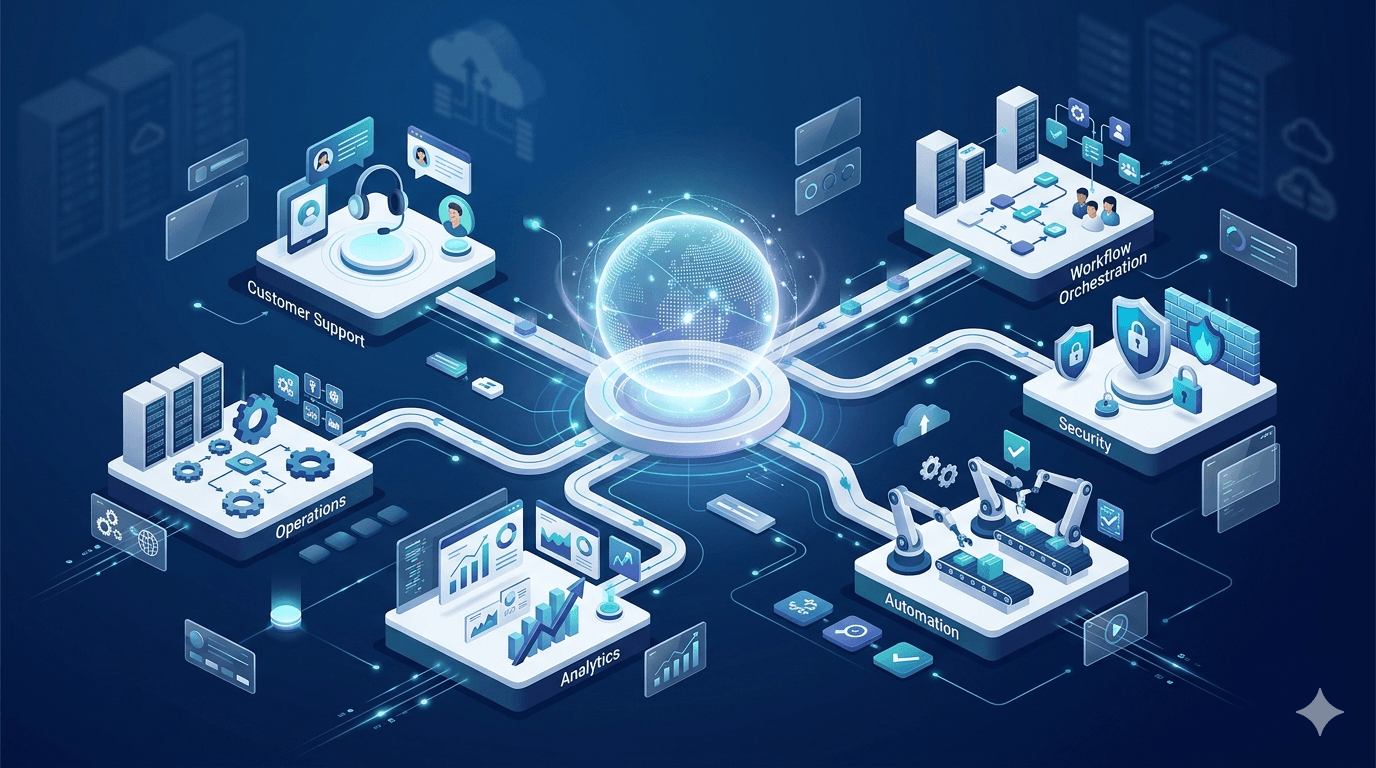
ai agent
The Definitive Enterprise Guide to Building Scalable Custom AI Agents
A practical enterprise guide to building scalable custom AI agents, covering strategy, architecture, governance, and deployment best practices.
AI agents in ERP and CRM are intelligent software systems embedded within enterprise platforms to automate tasks, interpret business data, support decision-making, and execute workflow actions across functions such as sales, customer service, finance, operations, and planning.
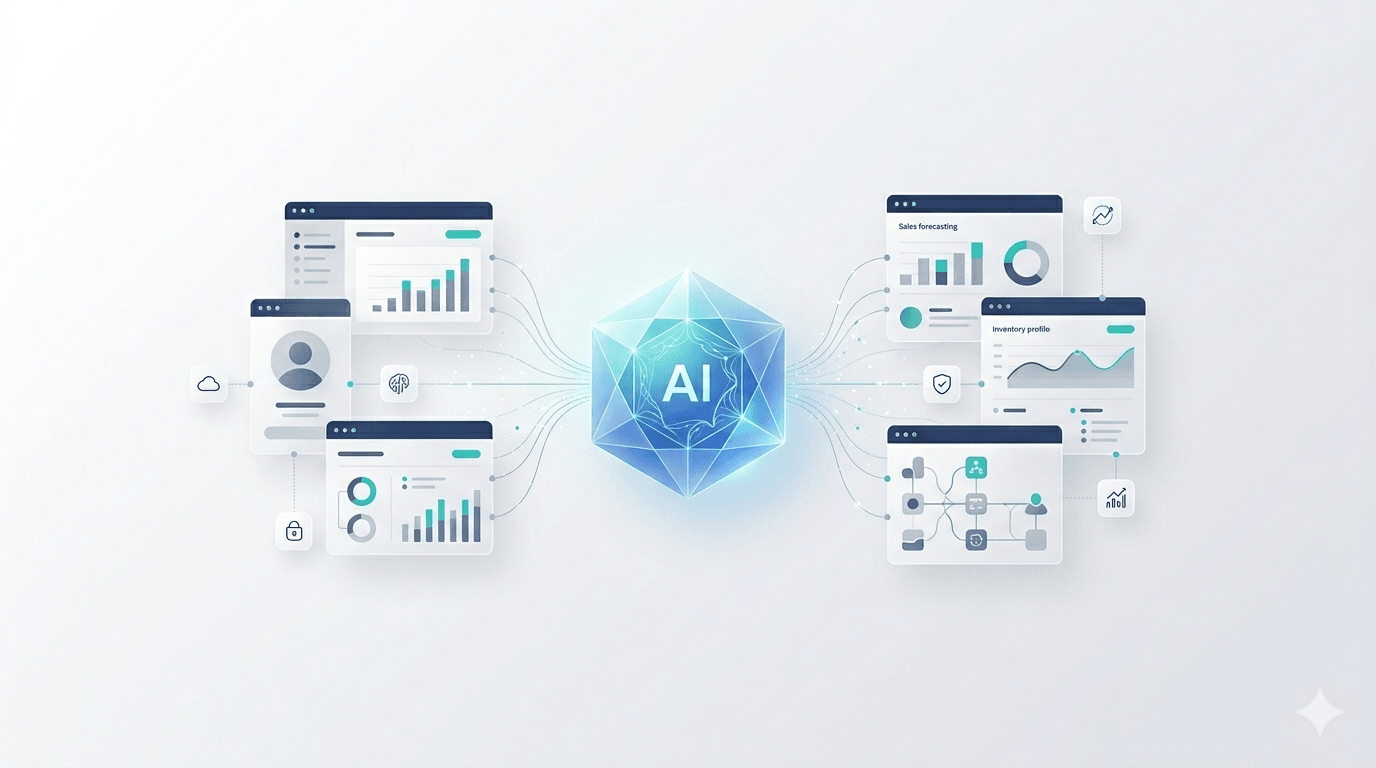
AI agents are no longer side projects; they’re becoming the digital workforce embedded directly into ERP and CRM systems to automate routine work, orchestrate multi-step processes, and surface timely insights where teams already work. To integrate AI agents with ERP and CRM systems, start with a clear use case, connect data via APIs and connectors, choose the right runtime and orchestration layer, and codify governance from day one.
This guide explains what AI agents are, how they fit into enterprise architectures, when to use CRM-native versus custom frameworks, and the step-by-step path to pilot, govern, and scale. Throughout, we emphasize AI workflow automation and agent-based process improvement that deliver measurable ROI.
An AI agent is a software entity that can autonomously perform tasks, make decisions, execute workflows, and interact with users or systems. In enterprise settings, agents range from chat assistants to orchestration and decision-making agents capable of tool-calling, API actions, and multi-step reasoning.
They matter in ERP and CRM because they automate data entry, summarize records, coordinate follow-ups, and connect processes that span sales, service, finance, and operations, often in real time with tight system permissions and audit trails.
Key agent types at a glance:
In ERP and CRM, advanced agents can summarize customer histories, automate follow-ups, and execute multi-step workflows that span lead qualification, order-to-cash, and case resolution, reducing busywork while improving consistency.
Discover how intelligent agents can automate workflows, surface real-time insights, and help teams make faster, smarter decisions across enterprise systems.
Get a Free ConsultationWhen embedded into ERP/CRM workflows, AI agents drive tangible results. In customer service, response times can drop by up to 90%, unlocking significant capacity gains. Agents improve accuracy and consistency by automating lead scoring, drafting emails, cleansing and syncing records, generating compliance reports, and forecasting demand.
For customers, agents deliver instant answers, personalized recommendations, and smooth omni-channel experiences. For teams, they function as a digital workforce that handles tedious work so people can focus on judgment and relationships.
Before vs. after embedding agents:
Lead qualification
Customer support
Forecasting
Compliance reporting
A robust integration blueprint typically includes four pillars: cloud-hosted models, API/connector layers, knowledge stores, and orchestration/control planes. Together, these enable secure, scalable automation with auditability, while the overall AI agent development cost depends on the complexity and scope of these components.
Layered view of an agent-enabled enterprise:
Cloud-based runtimes, such as Azure OpenAI Service, Google Vertex AI, and AWS, provide elastic capacity for real-time agent operations and heavy workloads. A cloud-hosted runtime is a managed environment where models and agent logic execute, scale on demand, and integrate with enterprise networking and security. For custom training or fine-tuning, teams commonly use TensorFlow or PyTorch alongside managed MLOps.
Application Programming Interfaces act as bridges that let agents read from and write to ERP/CRM, trigger workflows, and synchronize records. Major vendors such as Salesforce, HubSpot, NetSuite, and Microsoft Dynamics expose comprehensive APIs that make integration straightforward. Pre-built connectors further accelerate deployment by reducing custom code and aligning agent actions with core business objects.
How agents connect in practice:
Knowledge stores are indexed hubs of structured and unstructured data, like customer records, product catalogs, SOPs, and contracts that agents query for context. Some studies have highlighted 360-degree data synchronization, enabling agents to reference consistent, up-to-date records.
Embeddings are mathematical representations of text and metadata that let agents retrieve the most relevant snippets from documents, manuals, and tickets. A typical loop: the agent formulates a query, retrieves relevant passages from the store, grounds its reasoning on those facts, takes an action, and writes back notes for traceability.
The orchestration/control plane coordinates agent workflows, tool-calling, rate limits, error handling, and human-in-the-loop approvals while centralizing logging, monitoring, and auditing. Platforms often provide features like flow designers, secret management, policy enforcement, and searchable audit trails; examples include Boomi’s control capabilities and similar enterprise-grade orchestration suites. Control planes are crucial for compliance, tracking inputs/outputs, decisions, and escalations end-to-end.
Choose tooling that matches your use case complexity, data sensitivity, and in-house skills. In general: use CRM-native tools for speed and context, low-code for rapid pilots and ops-led automation, and full developer frameworks for cross-system, multi-agent workflows with custom tools and governance.
Salesforce Agentforce and Microsoft Copilot Studio embed agent workflows directly inside CRM, providing deep record context, access to activity history, and admin-friendly management. These options accelerate time to value, ensure data is current by design, and simplify lifecycle management, ideal for organizations prioritizing CRM-centric automation.
Typical capabilities:
Low-code/no-code builders let business teams validate ideas fast, minimizing IT lift. Visual designers (including emerging agent builders) turn prompts and flowcharts into deployable agents, enabling quick wins like automated follow-ups, forecasting snapshots, or email response bots.
Quick comparison:
Checklist: low-code vs. full-code
For complex, cross-system workflows or multi-agent collaboration, developer frameworks shine. An overview of top agent frameworks details trade-offs:
Framework selection guide:
High-ROI opportunities span sales, service, finance, procurement, and operations. Start with narrow, repetitive workflows where clear metrics exist, then expand to multi-step processes.
AI-powered service agents can cut response times by up to 90%, while sales agents accelerate pipeline movement. High-impact actions include auto-follow-ups, lead scoring, account summaries, churn prediction, and automated replies, as summarized in an integration primer for ERP/CRM.
Example workflow:
ERP agents analyze procurement patterns, recommend suppliers, forecast demand, and flag unusual transactions. AI Multiple’s research on agentic AI in ERP highlights purchase order automation, inventory optimization, anomaly detection, and compliance/reporting as strong candidates.
Operations example:
Multi-agent assign roles such as planner (decompose the task), executor (perform tool/API calls), critic (verify outputs), and researcher (gather context). This division improves reliability for complex cases like end-to-end customer issue resolution or coordinated procurement and inventory adjustments. Quality increases when a critical agent enforces evidence checks before actions are taken.
Learn how embedded AI agents can improve productivity, reduce manual effort, and unlock more value from your enterprise data.
Talk to an AI ExpertKeep each step small, measurable, and reversible.
Identify high-friction processes with clear value targets, with reduced handling time, lower error rates, faster cycle times, improved CSAT, and then document success metrics upfront. An integration primer for ERP/CRM offers useful starting points.
Example KPI map:
Audit data accuracy, deduplicate records, and standardize fields. Unify customer and product data into a searchable, consistent view using hubs or embedding stores so agents always act on trusted context. High-quality, unified data reduces errors and improves agent decision quality.
Define precise agent roles (who does what), memory/state (what to remember and for how long), and permissions (what systems and actions are allowed). Set tool-calling limits, guardrails, and escalation paths. Use short-term memory for task context and durable memory only where necessary, with clear retention policies and redaction routines.
Start with a narrow, high-impact use case. Instrument everything: accuracy, time saved, error rates, user satisfaction, and ROI. Maintain human-in-the-loop checkpoints and feedback loops, then iterate based on findings.
Implement least-privilege access, encrypted secrets, and secure API integrations. Enable comprehensive action logging, audit trails, data residency controls, and real-time monitoring. Schedule periodic security reviews and compliance checks with documented remediation workflows.
Common risks include hallucinations, over-broad permissions, opaque decisions, and compliance gaps. Each has a practical mitigation.
Retrieval-augmented generation grounds agent outputs in trusted documents and databases by fetching relevant facts at answer time, reducing fabrications; see GetKnit’s RAG explainer. Pair RAG with source citations in logs so teams can trace decisions and validate accuracy.
Provision agents with only the permissions needed for their role to minimize blast radius. Enable exhaustive logging of prompts, retrieved context, actions, and results, and maintain searchable audit trails, especially for finance, healthcare, and regulated functions.
Require human review for high-risk actions (e.g., large payments, policy exceptions, privacy-sensitive operations). Configure agents to prepare recommendations and drafts, but defer final execution to designated approvers.
Use a data-driven scorecard: response times, error reduction, throughput, user satisfaction, and ROI. Hold quarterly reviews to expand scope only where metrics show durable gains. Scale by:
Explore practical ways to embed AI into enterprise workflows for better automation, efficiency, and customer outcomes.
Get an Expert ConsultationMap priority processes, connect ERP/CRM via APIs, design agents with clear roles and least-privilege permissions, integrate into existing workflows, and continuously monitor performance and accuracy.
Customer service responses, lead scoring, purchasing, demand forecasting, and compliance reporting show the fastest efficiency gains and measurable ROI.
Platforms provide native APIs, pre-built connectors, and no-code builders that let agents securely read/write records and trigger workflows without heavy custom code.
Enforce least-privilege access, comprehensive logging and audits, periodic security reviews, and human approval for high-risk or compliance-sensitive actions.
Use CRM-native or low-code solutions for speed and standard workflows; build custom agents when you need cross-system orchestration, specialized tools, or multi-agent collaboration.
A practical enterprise guide to building scalable custom AI agents, covering strategy, architecture, governance, and deployment best practices.

A practical executive guide to managing governance and bias in production AI agents, including oversight frameworks, fairness controls, risk mitigation strategies, and operational best practices.